
Ai & Adobe Illustrator
Adobe Illustrator has always been one of the most powerful tools for creating professional vector graphics. From logos and icons to complex illustrations and brand systems, it has long been the industry standard.
But with the introduction of AI-powered features driven by Adobe Firefly, Illustrator has entered a new era.
These tools aren’t just “nice extras.” They fundamentally change how designers generate ideas, explore variations, and execute projects. The result? Faster workflows, stronger concepts, and better design outcomes.
Let’s explore how Illustrator’s new AI features help designers achieve better ideas in less time.
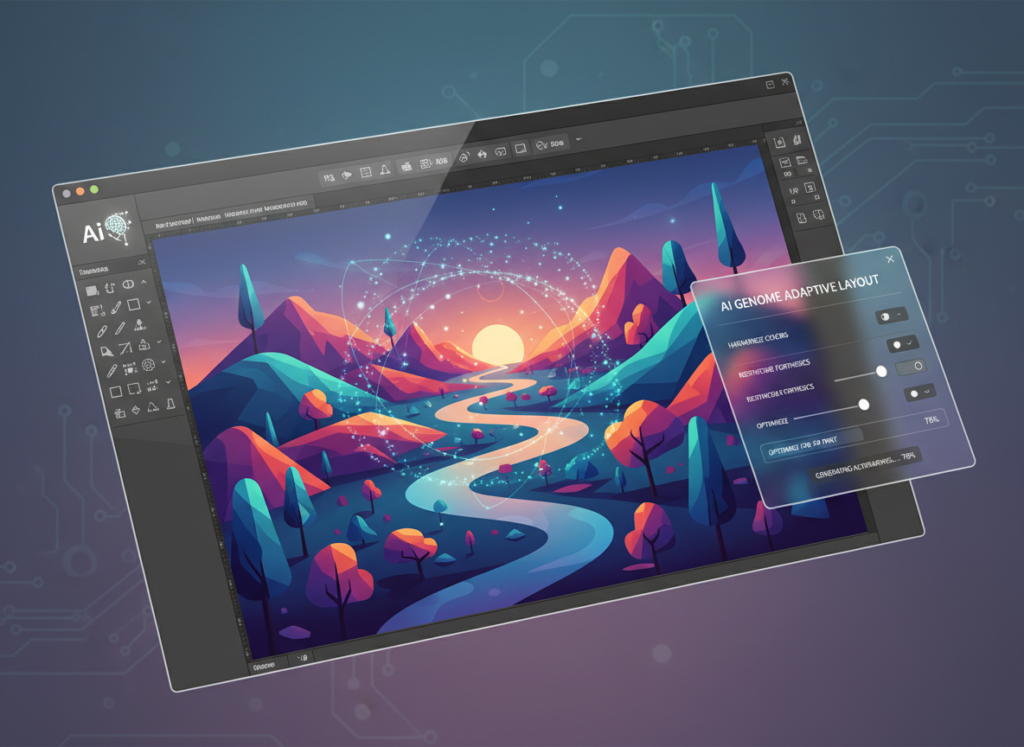
The Shift: From Manual Creation to AI-Accelerated Design
Traditionally, Illustrator workflows looked like this:
- Sketch concept
- Open Illustrator
- Use the Pen Tool
- Build shapes manually
- Refine anchor points
- Adjust color
- Experiment with variations
- Repeat
This process is still valuable—but it can be slow, especially in early exploration stages.
Illustrator’s new AI tools reduce friction in the most time-consuming parts of the process:
- Generating starting concepts
- Creating base vector graphics
- Exploring stylistic variations
- Testing color systems
Instead of replacing design skill, AI accelerates it.
1. Text to Vector Graphic: Instant Vector Concepts
One of the most powerful additions is Text to Vector Graphic.
Instead of drawing everything from scratch, you can type prompts like:
- “Minimal line icon of a camera”
- “Flat geometric mountain logo”
- “Playful hand-drawn star illustration”
Within seconds, Illustrator generates fully editable vector artwork.
This is not a raster image. These are:
- Editable anchor points
- Customizable strokes
- Adjustable fills
- Scalable vector shapes
Why This Matters
Designers often spend hours creating base icons or rough layout concepts. With Text to Vector Graphic:
- You get multiple starting directions instantly
- You can refine instead of build from zero
- You can explore broader creative territory
This dramatically reduces the time spent in the early concept phase.
Instead of asking, “Can I draw this well enough?” you start asking, “Which direction feels strongest?”
That shift improves creative quality.
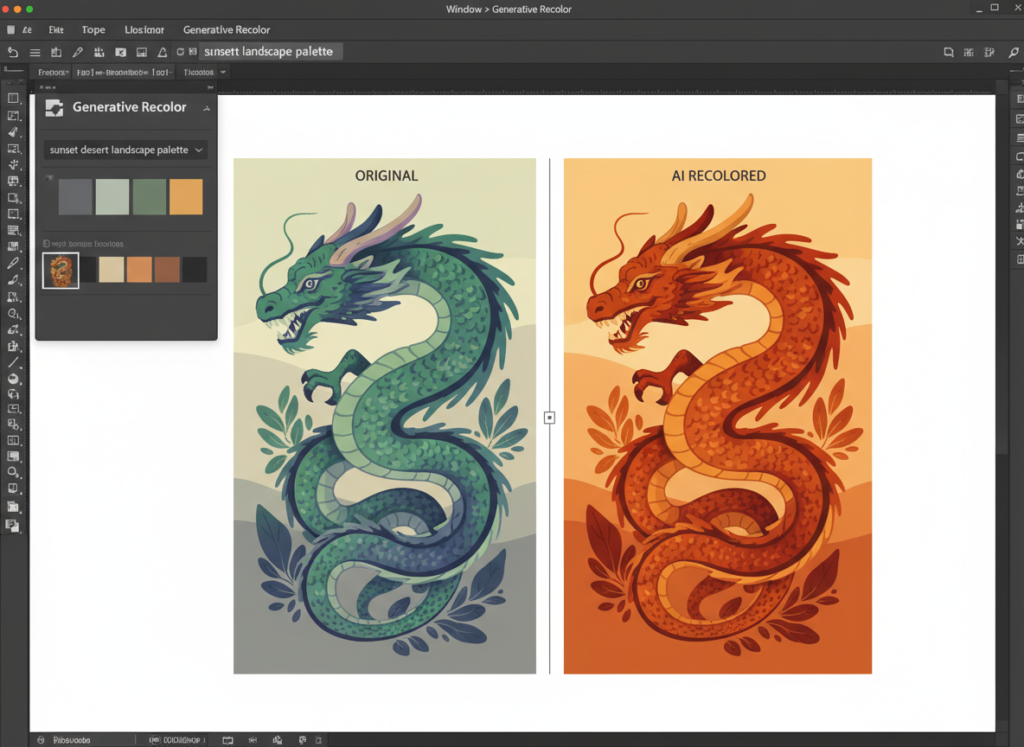
2. Generative Recolor: Faster Branding Exploration
Color exploration can be one of the most time-consuming parts of branding.
Traditionally you would:
- Build swatches
- Adjust global colors
- Manually test combinations
- Duplicate artboards
- Compare options
Now, with Generative Recolor, you can describe a mood:
- “Warm earthy tones”
- “Luxury gold and black”
- “Playful pastel palette”
- “Tech-inspired neon colors”
Illustrator generates harmonious color variations instantly.
How This Improves Design Quality
Instead of testing two or three palettes manually, you can test:
- Ten
- Twenty
- Even more
More exploration leads to stronger decisions.
It also helps designers break out of creative habits. Many designers default to similar color styles. AI-generated variations introduce combinations you may not have considered.
The result?
More innovative and thoughtful brand systems.
3. Mockup and Scene Generation for Presentation
While Illustrator remains a vector-focused tool, its AI features now help designers think beyond flat artboards.
When creating logos or brand elements, you can:
- Generate visual concepts quickly
- Adapt assets into contextual scenes
- Experiment with layout directions
Instead of spending hours building presentation-ready visuals manually, you can create concept variations rapidly and refine the strongest ones.
This is especially powerful for:
- Freelancers pitching clients
- Agencies developing campaign concepts
- In-house teams exploring new directions
Speed in presentation often wins projects.
4. Faster Icon and UI Asset Creation
For UI and product designers, time is often lost in small repetitive tasks:
- Creating icons
- Adjusting micro-details
- Matching stroke weights
- Ensuring consistency
Text to Vector allows designers to:
- Generate icon sets quickly
- Maintain stylistic consistency
- Refine instead of redraw
You can use AI-generated graphics as structured base elements, then apply your design system rules to perfect them.
This reduces production time without reducing quality.
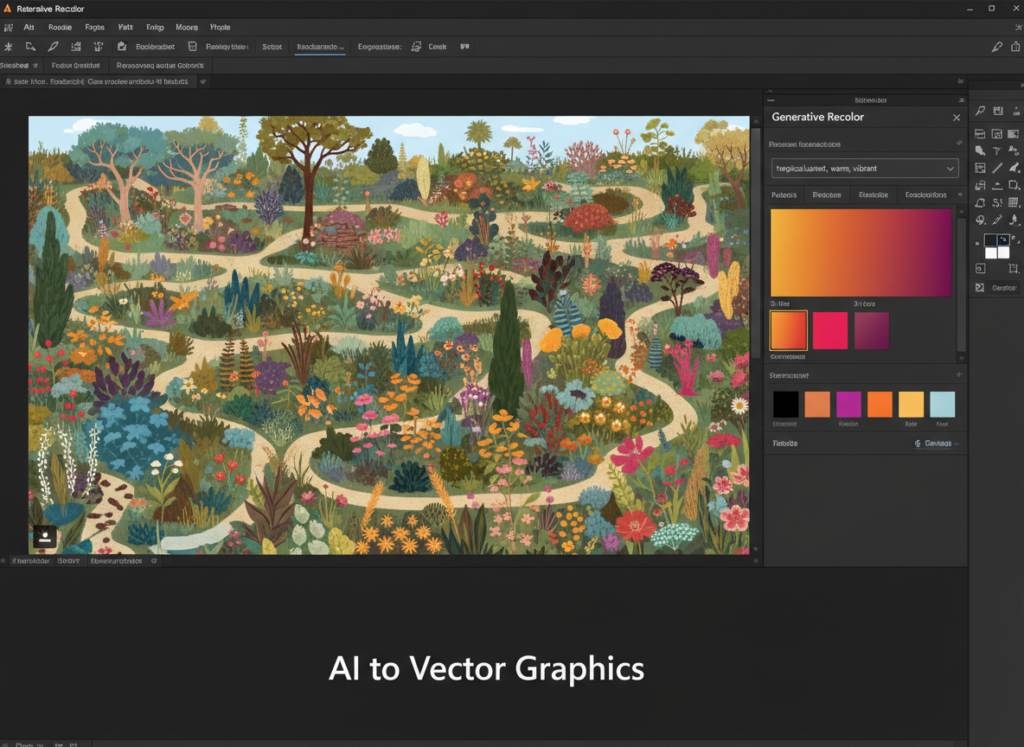
5. Better Idea Generation Through Volume
Here’s something important:
Creativity improves with iteration.
Before AI tools, iteration was expensive in time and energy.
Now, you can:
- Generate 10 variations in minutes
- Compare structural differences
- Combine ideas
- Refine the strongest elements
Instead of committing early to one concept, designers can explore multiple directions quickly.
More volume = better selection = stronger final outcomes.
6. Maintaining Professional Control
A common fear is that AI reduces creative control.
In reality, Illustrator’s AI tools maintain full editability.
Every vector generated can be:
- Ungrouped
- Adjusted
- Simplified
- Expanded
- Modified with Pathfinder
- Edited using the Direct Selection Tool
You’re not locked into an AI output.
You remain the designer.
AI simply accelerates the starting phase.
7. Reducing Creative Block
Every designer has faced this:
You open Illustrator.
You stare at a blank artboard.
Nothing happens.
AI eliminates the blank page problem.
Even if the first result isn’t perfect, it:
- Sparks ideas
- Introduces direction
- Creates momentum
Momentum is everything in creative work.
Instead of waiting for inspiration, you generate it.
8. Faster Turnaround = Higher Value
For freelancers and agencies, time equals revenue.
If AI reduces production time by:
- 30%
- 40%
- Even 50% in early concept stages
You can:
- Deliver faster
- Take on more projects
- Spend more time refining
- Increase creative polish
Speed does not mean lower quality.
It means reallocation of time toward higher-level thinking.
9. Combining AI With Strong Design Fundamentals
AI works best when paired with design fundamentals:
- Composition
- Hierarchy
- Alignment
- Spacing
- Typography
- Contrast
AI may generate a good icon—but it doesn’t decide:
- Brand positioning
- Strategic messaging
- Visual hierarchy
- User experience logic
That remains human.
Designers who understand both fundamentals and AI tools will outperform those who rely on one alone.
10. Practical Workflow Example
Let’s say you’re designing a logo for a fitness brand.
Old workflow:
- Sketch ideas
- Digitize manually
- Refine shapes
- Experiment with type
- Create color options
- Present
New AI-accelerated workflow:
- Generate multiple icon concepts via Text to Vector
- Select strongest 3
- Refine anchor points
- Apply typography pairing
- Use Generative Recolor for palette exploration
- Present multiple polished variations
Time saved: Significant.
Creative depth: Increased.
The Bigger Picture: AI as a Creative Partner
Illustrator’s new AI features are not about replacing designers.
They are about:
- Removing friction
- Speeding up execution
- Expanding idea exploration
- Increasing creative confidence
Designers who embrace these tools will:
- Produce more ideas
- Iterate faster
- Present stronger options
- Work more efficiently
The key is intentional use.
AI is a multiplier.
If your fundamentals are strong, AI amplifies them.
If your fundamentals are weak, AI will only amplify inconsistency.
Final Thoughts
Adobe Illustrator’s AI features represent one of the most significant workflow shifts in modern design.
They allow designers to:
- Move from concept to vector in seconds
- Explore broader creative territory
- Test color systems instantly
- Generate structured visual starting points
- Eliminate repetitive manual tasks
The result?
Quicker execution.
Better idea exploration.
Stronger final outcomes.
The future of design isn’t about competing with AI.
Learn this and more on our BigRock Academy Illustrator Course
Designers who understand how to combine human creativity with AI acceleration will not just work faster — they will design better.
